


 Analysis by Gamescozy
I like rhythm games that make the first move obvious: listen, tap, and see whether I can stay in time. Music Piano 7: Rush Song Games is built around that quick invitation. It is a free music game from Melodya Muses, and its appeal is less about mastering a complicated instrument than responding to a song through a steady sequence of taps. I can picture it fitting into a short break when I want something more active than listening to music but less involved than learning a full rhythm game’s systems.
From the first tap to a playable rhythm
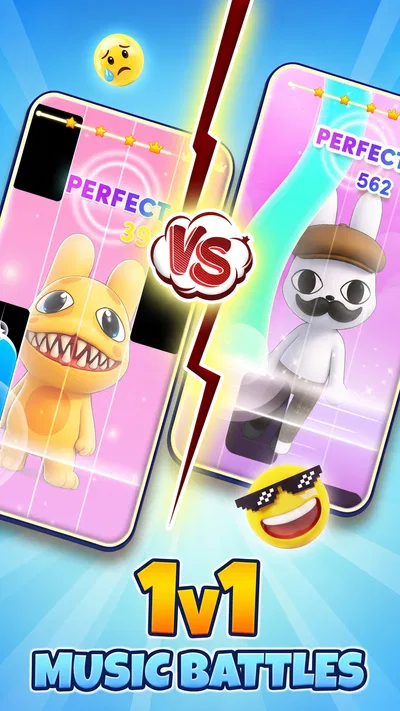
The basic idea is easy to understand even if you have never played a piano-tile game: follow the musical cues and tap along. That low barrier is useful on a phone, where I may have only a few minutes and do not want to study a long tutorial before getting started. The game’s music focus also gives the action a clear purpose: I am not tapping at random, but trying to keep pace with what I hear and see.
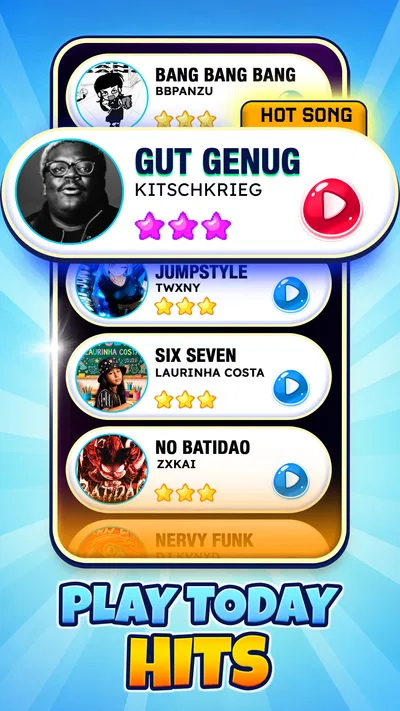
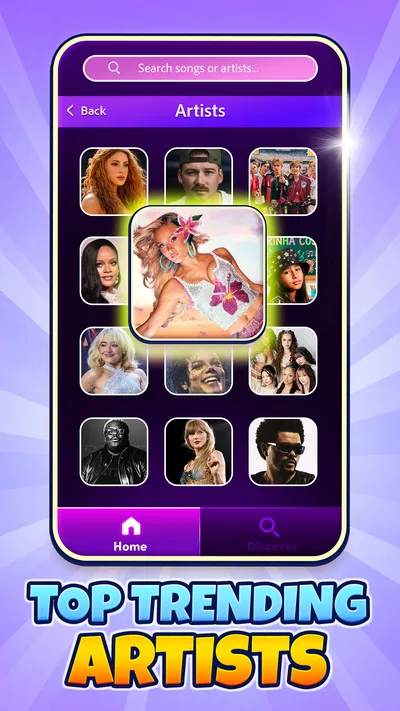
The title points toward a mix of K-pop and EDM, so this is aimed at players who enjoy energetic, recognizable pop-oriented rhythms. That makes it a different proposition from a piano-learning app. I would not choose it to practice scales, understand notation, or build a proper keyboard technique. I would choose it when I want a compact challenge that turns listening into a test of timing and attention.
Music Piano 7: Rush Song Games has an Everyone content rating, which makes its general audience broad. Its current version is 3.10.0, and it requires Android 7.0 or later. Those details make it easier to judge basic compatibility before installing, but the more important question is whether the tap-based format suits you. If you enjoy quick reactions and music-led play, the premise is immediately approachable.
One practical way to start is to treat the first attempt as a warm-up rather than a score chase. Hold the phone comfortably, keep your eyes on the play area, and let the beat guide your timing instead of trying to tap as quickly as possible. That small change matters: rhythm games can feel frantic when I focus only on the tiles, while listening for the pulse gives each action a clearer cue.
Why the feedback makes another attempt tempting
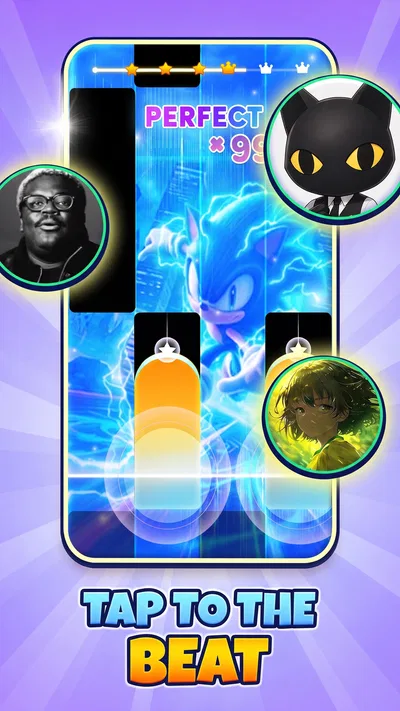
The central satisfaction comes from matching a visual prompt to the music. When my taps line up, the sequence feels smooth; when I drift, the interruption makes the timing problem obvious. That immediate feedback is the engine of the game. I do not need a lengthy explanation to understand what went wrong, and a missed beat gives me a concrete reason to try again: I can listen more closely, relax my hands, or adjust when I begin tapping.
This is also where the format asks for concentration. The screen and soundtrack compete for attention in a useful way: watching helps me anticipate the next action, while listening helps me avoid treating every cue as an isolated reflex. A good habit is to look slightly ahead rather than stare at the exact tile under my finger. It gives the brain a moment to prepare, especially when a sequence becomes demanding.
That said, the same design can frustrate players who want a relaxed music player rather than a skill test. A song may be familiar, but familiarity does not automatically make the taps easy. If you are tired, using a small screen, or playing somewhere noisy, it can be harder to stay focused. I would save a serious score attempt for a quiet moment and use casual sessions when I am happy to accept a few mistakes.
Touchscreen rhythm games also depend on a comfortable grip. I find it sensible to avoid covering too much of the display with my hand and to keep the phone stable on a table if handheld play feels awkward. This is a useful adjustment for longer songs or repeated attempts: it reduces unnecessary movement and lets me concentrate on timing rather than constantly correcting my hold.
The reward is a better run, not a promise of mastery
The most satisfying reward here is the feeling of completing a sequence more cleanly than before. A successful run gives the music a sense of momentum, and a near miss can be motivating because I can usually identify the kind of mistake I made. That creates a compact improvement loop: play, notice where timing slipped, reset, then test one adjustment on the next attempt.
I would approach progress in small steps. Rather than changing several things at once, I might first focus on listening for the beat, then on looking ahead, and only afterward worry about speed. This makes a replay more informative. If I rush because I am chasing a result, I can end up repeating the same error without learning anything from it.
The game is not a substitute for a structured music course. Its tap-based play may sharpen attention and timing in the context of a game, but that is not the same as learning to play piano with both hands or reading sheet music. For those goals, a lesson-focused app or a real keyboard with guided instruction is a better choice. The distinction is important: this is entertainment built around musical response, not a practice curriculum.
Its audience scale suggests that many players have found the format appealing: it has over 50 million installs and an average rating of 4.8 from around 472,000 ratings. I see that as useful context, not a guarantee that every player will enjoy it. The core interaction is very specific; people who dislike quick tapping, repeated attempts, or screen-focused play may find the same loop tiring rather than rewarding.
Where it fits beside other music games
Compared with a conventional music-streaming app, this asks me to participate rather than simply choose a playlist and listen. Compared with a full rhythm game that emphasizes complex charts, instruments, or extensive progression systems, the attraction here is the directness of tapping along. That simplicity can be a strength when I want a quick challenge, but it may feel limited if I am looking for deeper customization or a serious competitive scene.
It also differs from piano-learning tools in what it rewards. A learning app typically asks for deliberate practice and may build toward musical skills; this game rewards accurate responses inside its own play format. I would keep both kinds of app separate in my mind. One can be a fun way to engage with music during spare time, while the other is for someone willing to follow a longer learning path.
The offline rhythm-game framing is particularly appealing for a commute or a place where a dependable connection is inconvenient. I would still make sure the game is ready before heading out rather than assume every part of the experience behaves identically offline. As a practical routine, I would launch it while connected, confirm that the session I want is available, and then use it as a short distraction during a break or journey.
For a realistic everyday use, imagine waiting for a friend at a café. I could play a brief session, focus on one song, and stop after a few attempts without needing to commit the whole afternoon. If I have only a minute, the straightforward action makes it easy to begin; if I have longer, the desire to improve a run gives me a reason to continue. That flexibility is one of the format’s strongest points.
Why the loop resets—and when I would stop
A missed cue naturally creates the next session. I know what I want to correct, and restarting lets me test whether the change helped. The reset is therefore not just a penalty; it is a fresh chance to hear the same passage with more attention. I find that kind of retry satisfying when the mistake feels understandable. It is less satisfying if I am replaying only out of frustration or tapping faster without a plan.
To keep the loop enjoyable, I would set a simple limit: try a song a few times, change one aspect of my approach, and move on if the session stops being fun. That prevents the game from turning a short break into an irritated score chase. It is also a helpful way to decide whether a difficulty level or song is a good fit without treating every imperfect run as a failure.
The title’s free price makes trying that routine low-commitment, though I would still judge the experience by how it feels in play rather than by cost alone. The developer, Melodya Muses, has built a game whose appeal is easy to summarize in practical terms: music cues give me something to follow, taps give immediate feedback, and a missed rhythm offers a clear reason to reset. The pattern is engaging when I want a small, focused challenge.
My verdict on the repeat-play rhythm
I would recommend Music Piano 7: Rush Song Games to someone who likes K-pop or EDM, enjoys quick reactions, and wants a phone game that can fit into a spare moment. It is especially suitable for players who find satisfaction in correcting a timing mistake and trying again. The straightforward action means I can get to the point quickly, while the music gives each attempt more character than tapping through an abstract sequence.
I would skip it if my main goal were piano instruction, if I wanted a passive music experience, or if repeated retries tend to annoy me. Players seeking elaborate rhythm-game depth may also prefer a more specialized alternative. For everyone else, the key question is whether the loop feels inviting: tap to follow the song, notice the feedback, enjoy a cleaner run, then decide whether another attempt sounds fun. In my view, that is a clear and appealing reason to return—provided I keep it a game, not a substitute for learning an instrument.